
K3 Game Login
Use this page to log in to K3 Game / K3.Com access with fewer OTP delays and fewer “session loop” problems. Follow the steps in order, then use the quick fixes if something fails.
Login / OTP screen example
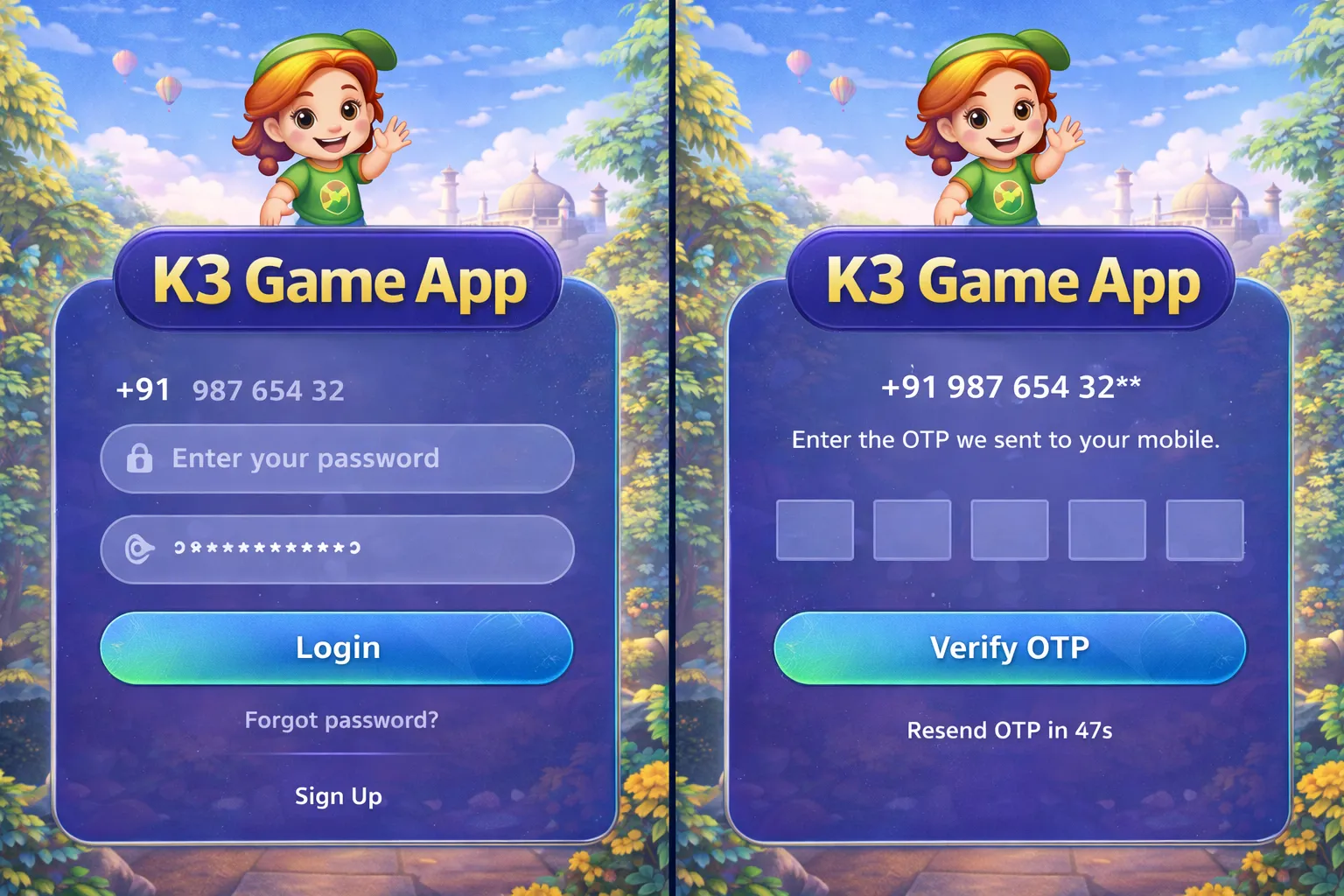
Recommended login steps
- Open the app on a stable network (Wi-Fi or strong mobile data).
- Enter your phone/email (as required) and double-check the digits/format.
- Request OTP once, then wait calmly (avoid rapid re-requests).
- Enter OTP carefully. If the keyboard auto-fills, still verify the code.
- Confirm login and wait for the home screen to load fully.
Fast fix checklist (table)
| Problem | Fix | Expected result |
|---|---|---|
| OTP delayed | Wait 60–120s; avoid rapid retries; keep the same network; check device time/date | OTP arrives and can be entered once |
| OTP keeps failing | Re-check digits; don’t mix old/new OTP; request a fresh OTP only after waiting | OTP validates successfully |
| Login loop | Close app fully → reopen → try again; if repeated, clear cache then re-login | Session refreshes and home loads |
| Invalid password | Use the reset flow in the app; check keyboard language/caps/auto-correct | Fewer failed attempts; access restored |
| App stuck loading after login | Switch network once (Wi-Fi ↔ data); update app; reboot device if needed | Home screen loads without repeating spinner |
Common causes of login issues
- Unstable network switching during OTP or first load.
- Server time vs local time mismatch (device date/time not correct).
- Old/broken app build causing session tokens to get stuck.
- Too many OTP requests in a short time window.
Security reminder
Never share OTP, passwords, or full payment details with anyone. Support should not ask for OTP. If anyone requests your OTP, do not provide it.